1. Solana Trailing Sell Bot Feature Overview
Non-Custodial Operation: The bot runs locally on your machine.
Real-Time Monitoring: Tracks buy transactions for specified projects, ideal for high-frequency trading or sniping new tokens (e.g., Meme coins or newly launched tokens).
Automated Selling: Executes sell orders based on user-defined logic (e.g., when the price reaches a certain threshold), reducing delays from manual operations.
Supports Raydium CLMM USDC Pools: Raydium is a leading decentralized exchange (DEX) on Solana, and its Concentrated Liquidity Market Maker (CLMM) pools offer higher capital efficiency. The bot focuses on USDC trading pairs, which are typically more liquid.
Requirements: Users must ensure their wallet has enough SOL (for gas fees), the target token, and a small amount of USDC (for trading pair pairing or fees).
2. Use Cases
New Token Sniping: Many Solana traders use similar tools to participate in early trading of new projects or Meme coins, buying quickly and selling after price appreciation.
Automated Trading: Ideal for users who prefer not to monitor the market manually, enabling automated profit-taking based on preset rules.
High-Frequency Trading (HFT): The bot may be suitable for HFT strategies, responding rapidly to market movements.
3. How to Use the Solana Trailing Sell Bot
Step 1: Prepare Your Wallet
Ensure your Solana-compatible wallet (e.g., Phantom, Solflare) has sufficient SOL, USDC, and the target token.
Step 2: Access the Bot
Visit GTokenTool’s Solana Trailing Sell Bot: https://sol.gtokentool.com/airdropSection/ReTran.
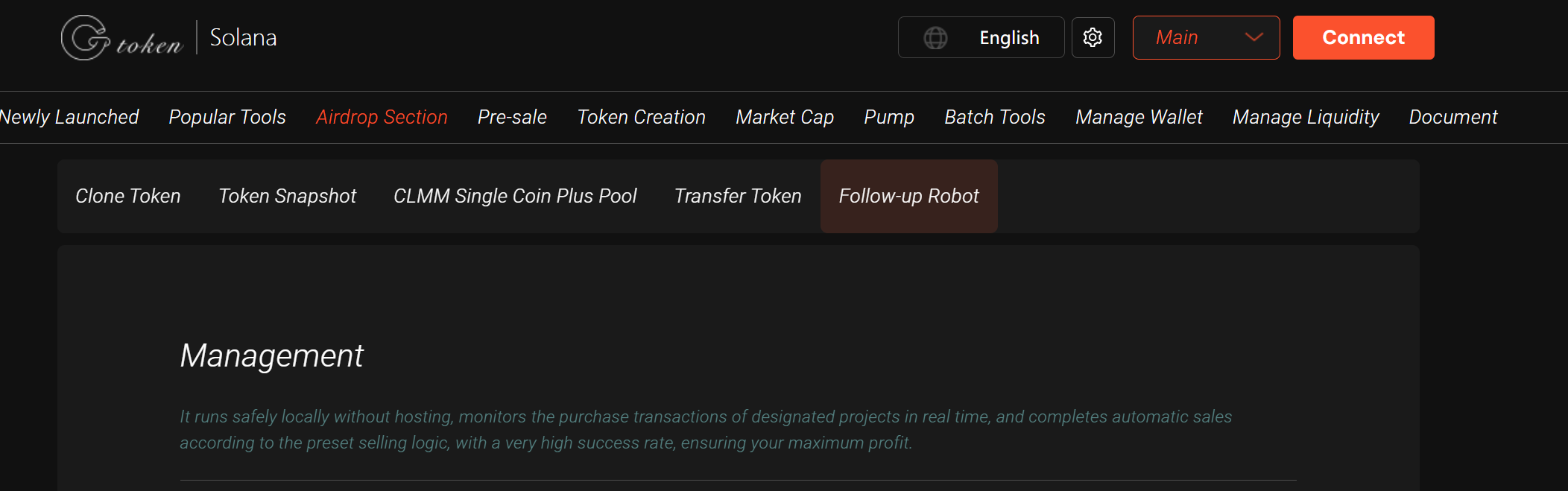
Step 3: Configure Trading Logic
Set the Raydium CLMM USDC pool to monitor.
Define sell conditions (e.g., price increase by X%, time limits, etc.).
Step 4: Start Monitoring
Launch the bot to begin real-time tracking of the target project’s trading activity.
Step 5: Test & Optimize
Test with small amounts first to ensure the logic works and the success rate is high.
4. Telegram Notification Setup
To set up Telegram notifications for your Solana Trailing Sell Bot, you’ll need the Group, Channel, or Supergroup ID. Here’s how to get it:
Method 1: Using a Bot (Recommended)
Invite @RawDataBot to your group/channel.
Send
/start, and the bot will return detailed information, including:textYou can just write username/joinchat link to the bot directly :) Hi! Welcome to @raw_data_bot! Help: /help Привет! Добро пожаловать в @raw_data_bot! Справка: /help Канал бота: @idbotnews P.S. Your ID: 5014711741 This group ID: -1002789767395
Method 2: Using GToken’s Bot
Invite @gtokensuibot to your group and enable the trailing sell feature for live alerts.
Need Help?
If you have questions or need clarification, join the official Telegram group: https://t.me/GToken_EN.