Here’s a step-by-step guide on how to pull liquidity from Raydium:
Preparation:
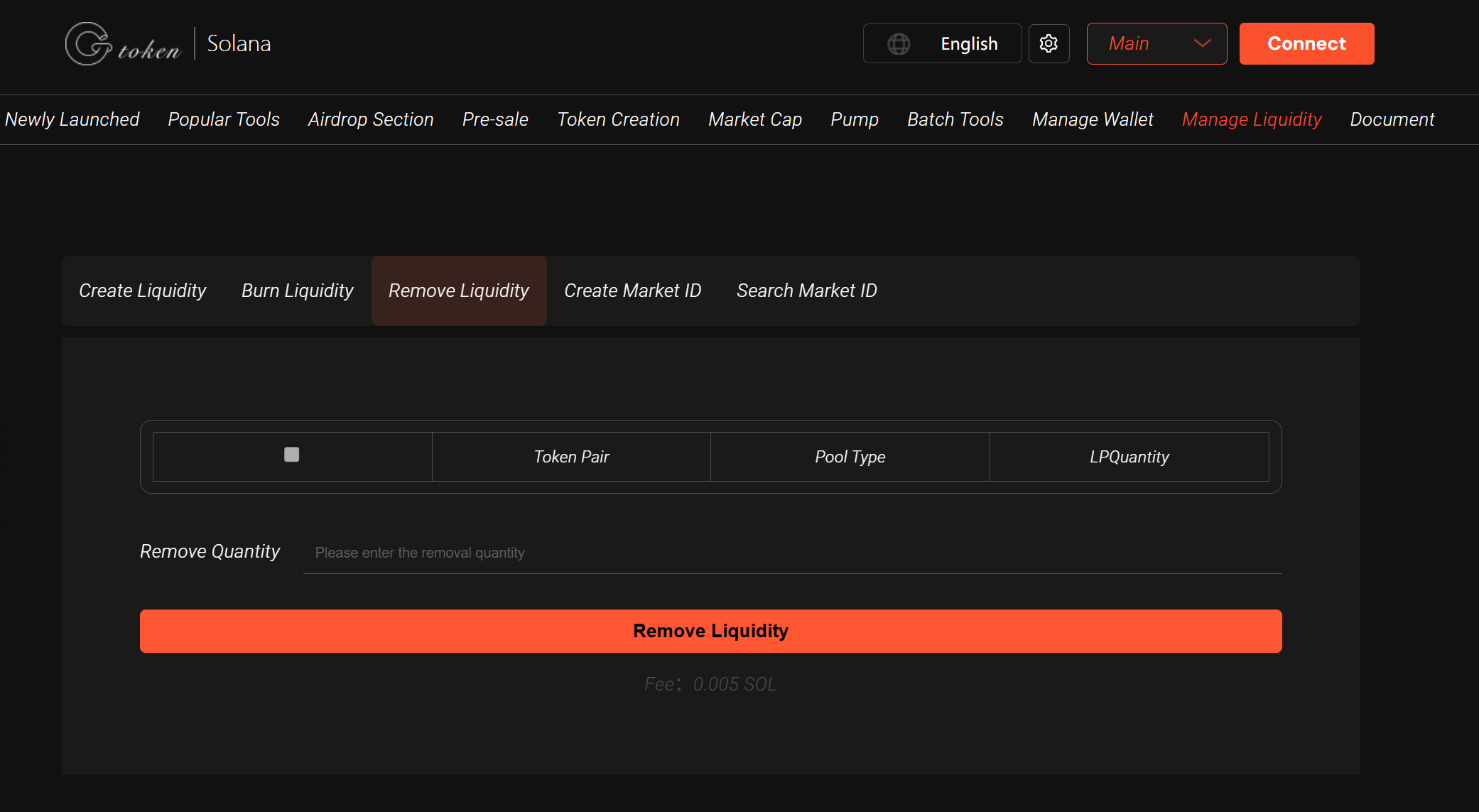
Connect Your Wallet: Ensure your Solana wallet (e.g., Phantom, Solflare) is connected to GTokenTool Liquidity Management page (https://sol.gtokentool.com/liquidityManagement/remove ).
Check LP Tokens: Verify that your wallet holds the LP tokens (e.g., RAY-SOL LP) representing your share in the liquidity pool.
Ensure Sufficient SOL: A small network fee (typically ~0.0005–0.002 SOL) is required for the transaction.
Steps to pull Liquidity via GTokenTool:
Visit GTokenTool’s "pull Liquidity" page (https://sol.gtokentool.com/liquidityManagement/remove ).
Enter the token address, liquidity pool address (Pool ID), or OpenBook Market ID.
The system will automatically detect your liquidity and display the removable LP token amount.
Click "Check Liquidity", then the "pull Liquidity" button will appear.
Adjust the slider to select the percentage of liquidity to pull (partial or full).
Click "pull", approve the transaction in your wallet, and sign to confirm.
Once processed, you’ll receive the redeemed tokens (e.g., SOL and USDC) and any SOL rent refunds.
Important Notes:
Impermanent Loss: Due to market fluctuations, the returned token ratio may differ from your initial deposit. Understand the risks.
Fees: A small SOL fee is charged; ensure your wallet holds at least 0.5 SOL.
Irreversible Action: Burning LP tokens (if enabled) permanently pulls liquidity. Raydium and Meteora support burning, but Orca currently does not.
Verify Transactions: Check details on Solscan using the transaction hash (TX ID).
Support: For issues, join GTokenTool’s Telegram group (https://t.me/GToken_EN ).
By following these steps, you can successfully pull liquidity from Raydium. Always double-check token addresses and amounts before proceeding, and prioritize wallet security.