What Are Solana Tax Tokens?
Solana tax tokens are a special type of token built on the Solana blockchain using the Token-2022 standard, which enables automatic fee deductions during transactions or transfers. This mechanism is commonly used to support project development, community incentives, or sustainable tokenomics.
Core Mechanics of Tax Tokens
Automatic Fee Deduction: A predefined percentage (e.g., 1%-10%) is automatically deducted from each transfer or trade and sent to a designated fee collection address.
Configurable Fee Caps: A maximum fee per transaction can be set (e.g., even if the fee rate is 10%, the cap might limit it to 5 tokens per transfer).
Flexible Authority Control: A "permissioned wallet" can adjust fee rates or change the fee recipient address.
How to Create a Solana Tax Token (Using Token-2022)
Prerequisites
Device: Computer or smartphone.
Solana Wallet: Recommended: Phantom Wallet (Installation Guide).
Private Key: Required for transaction signing.
SOL Balance: A small amount of SOL for gas fees (typically <0.01 SOL).
Token Details:
Name, symbol, and logo (PNG/JPG/GIF, ideally 512x512 pixels).
Description and website link (optional).
Tax settings (e.g., 2% transfer fee with a maximum cap).
Step-by-Step Guide
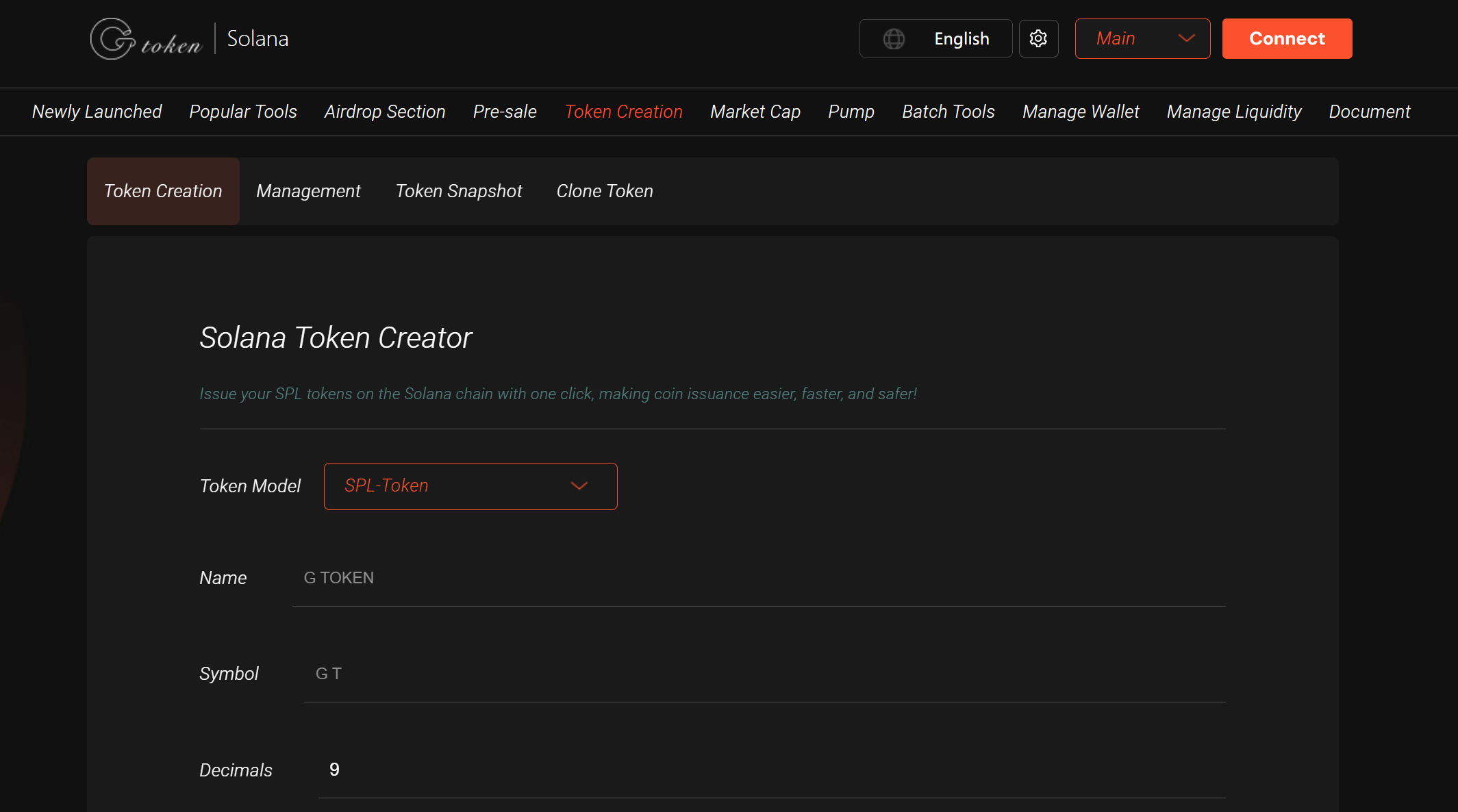
1. Access GTokenTool Platform
Visit https://sol.gtokentool.com/Token/createToken.
Ensure a stable internet connection (if image upload fails, try switching networks).
2. Connect Your Solana Wallet
Click "Connect Wallet" and select Phantom or another supported Solana wallet.
Authorize the connection and confirm sufficient SOL balance for gas fees.
3. Enter Token Details
Basic Info:
Token name (e.g., "Kitten Coin").
Token symbol (e.g., "KITTEN").
Upload logo (512x512px, PNG/JPG/GIF).
Optional: Add a description, website, or social links.
Token Settings:
Total supply (e.g., 100,000,000).
Decimals (recommended: 6-9, typically 9 for Solana standards).
Tax Settings (Token-2022 Exclusive):
Enable "Transfer Fee Extension."
Set transfer fee percentage (e.g., 2% = 20 tokens deducted per 1,000 transferred).
Set a maximum fee cap (limits excessive fees on large transfers).
Designate the fee recipient address (usually the creator’s wallet; fees are temporarily locked and require manual claiming).
4. Upload Metadata
GTokenTool automatically uploads metadata (name, symbol, logo) to decentralized storage (e.g., Arweave or Irys).
Verify the metadata URI on Solscan.
5. Create the Token
Click "Create Token Instantly."
The platform interacts with Solana’s Token-2022 program (Program ID:
TokenzQdBNbLqP5VEhdkAS6EPFLC1PHnBqCXEpPxuEb).Sign the transaction in your wallet (gas cost: ~0.000005–0.02 SOL).
Upon success, you’ll receive the token’s Mint Address (e.g.,
AQoKYV7tYpTrFZN6P5oUufbQKAUr9mNYGe1TTJC9wajM).
6. Verify & Manage
Check the token on Solscan using the Mint Address.
Use GTokenTool’s dashboard to update metadata, manage permissions, or set up trading pairs.
(Optional) Add Liquidity
To enable DEX trading (e.g., Raydium, Jupiter), create a liquidity pool via:
GTokenTool’s interface or
Solana CLI (Raydium V2 Guide).
Key Features of Tax Tokens (Token-2022)
Transfer Fees: Automatic % deduction (e.g., 2%) per transfer; fees are locked until claimed by the authority.
Use Cases: Fund projects, reward holders, or burn tokens to reduce supply.
Fee Caps: Prevent excessive charges on large transfers.
Enhanced Flexibility: Token-2022 supports advanced features (immutable metadata, granular permissions) beyond the original Token Program (
TokenkegQfeZyiNwAJbNbGKPFXCWuBvf9Ss623VQ5DA).
Important Notes
Security: Never share your private key. Test on Devnet first.
Costs: Token creation costs ~0.02 SOL, but additional gas may apply for management tasks.
Pump.fun Limitation: Tokens created on Pump.fun are restricted to its bonding curve; for full control, use GTokenTool or Solana CLI.
Support: Join the GTokenTool Telegram for help.