
1. Pain Points of Separate Create & Buy Workflow for New Users
Most Meme Coin creators only focus on token deployment, ignoring the critical window right after launch. I ran into big issues on my first Four.Meme token: after the contract was deployed, switching pages and waiting for transaction confirmations pushed the price away from my target, completely ruining my planned holding ratio.
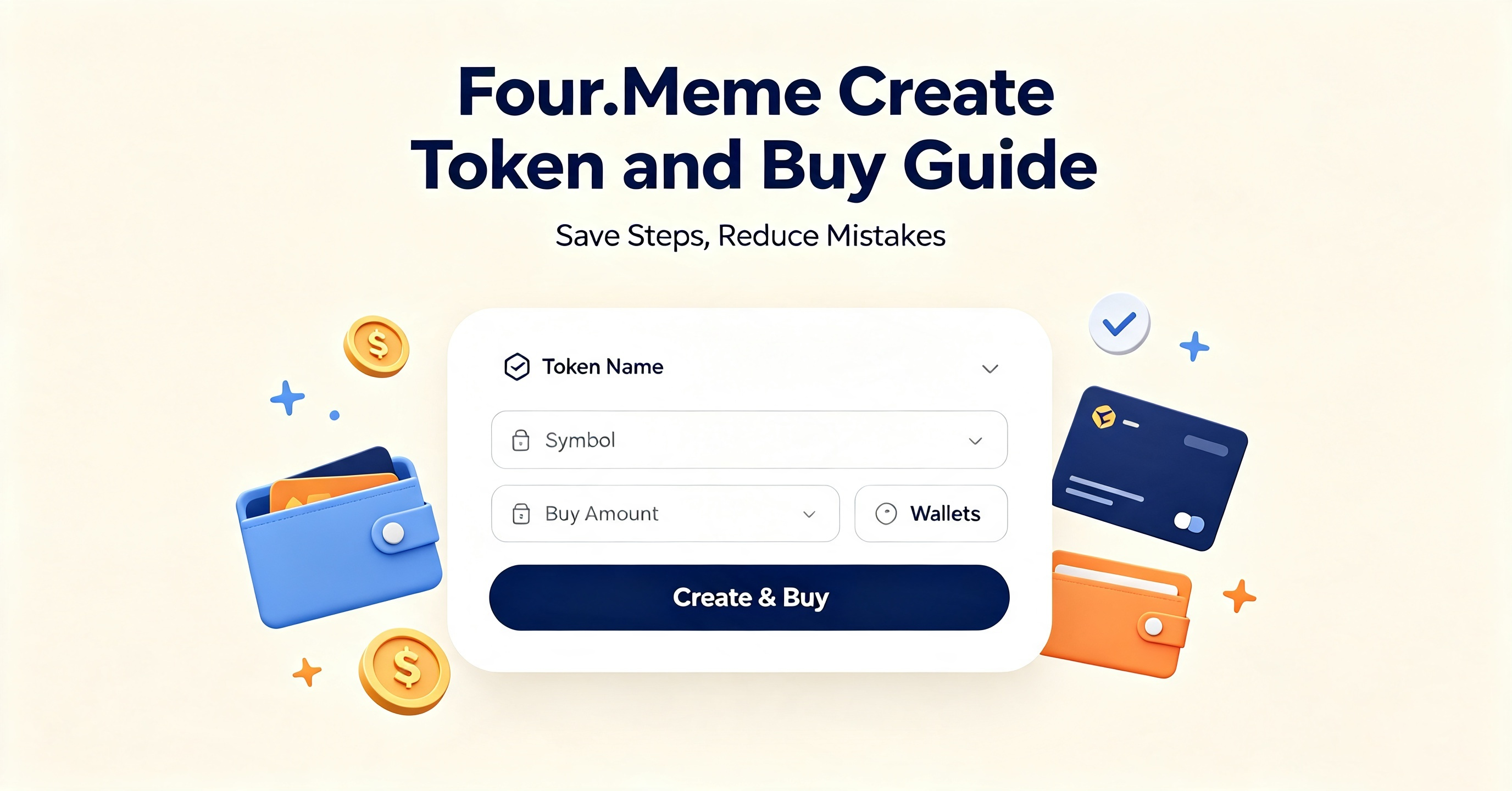
The native Four.Meme manual workflow: Create Token → Wait for Chain Confirmation → Jump to Token Page → Manual Buy. It seems like just one extra step, but brings obvious drawbacks:
Constant page switching breaks your operation flow
Repeated wallet signature requests waste lots of time
Network latency easily makes you miss your target entry price
Batch position setup with multiple wallets requires manual signing one by one, extremely inefficient
The real factor determining your launch experience is not token creation itself, but the first buy order right after deployment. I tested GTokenTool’s feature "FOUR Create Token With Bundled Buy", which merges two separate steps into one click. No custom scripts or complex parameter tuning required, greatly lowering the operation difficulty for beginners.
2. Three Core Advantages of GTokenTool Bundled Buy Function
1. Integrated token creation & buying to reduce human errors
Token deployment and preset buy orders run in one continuous process without page re-entry. The system automatically executes pre-configured buy orders after token creation. Fewer manual steps mean less risk of mistakes caused by wallet signing and page navigation, improving fault tolerance for new users.
2. Batch multi-wallet purchase without repeated manual confirmation
Traditional multi-wallet workflow: Sign with Wallet A → Switch → Sign with Wallet B, and so on. More wallets equal much more wasted time. The tool supports bulk wallet import with custom buy amounts for each address. Once submitted, all orders run automatically, drastically speeding up initial position building across multiple wallets.
3. Clean visual interface without confusing technical jargon
Most Web3 tools are packed with obscure technical terms and English parameters that confuse newbies. GTokenTool features a visual fill-in panel, only requiring basic inputs like Logo, token name, buy amount and wallet addresses — easy to operate even for complete beginners.
3. Full Step-by-Step Guide to Launch Four.Meme Token via GTokenTool
Connect Wallet: Link MetaMask and switch to BNB Chain mainnet;
Fill Basic Token Info: Upload Logo, enter token name, symbol and project description;
Select Pair Token: Supports BNB/USDT/BUSD/USD1/DOGE/FIST, custom token address is also available;
Optional Extra Settings: Social media links and transaction tax (skip if not needed);
Import Wallets For Batch Buy: Brand new empty wallets recommended, keep enough BNB for gas fees on each wallet;
Set Purchase Amounts: Custom value per wallet, bulk fill function supported;
Submit Creation: Wait for on-chain transactions to complete, then copy your new token contract address.
All configurations are finished on a single page with no repeated page jumps, saving a huge amount of time compared to manual operations.
4. Who Should Use This Integrated Create & Buy Feature?
First-time Four.Meme creators: No need to learn complicated split workflows, follow on-screen prompts to finish everything;
Project owners who need multi-wallet initial position setup;
Users who prefer simplified workflows and don’t want to dive into on-chain scripts and advanced parameters;
Creators who want to lock in target launch prices and avoid slippage from network delays.
5. Preparations & Security Tips Before Operation
Required Materials
MetaMask Wallet
Sufficient BNB (covers deployment fees and gas costs)
Lightweight Logo image file
Token name and token symbol
Extra wallets if you plan bulk initial purchases
6. Frequently Asked Questions
7. Personal Experience Summary
Many people think building Meme Coins is all about deploying the contract, but the post-launch initial buy phase actually shapes your entire launch performance.
GTokenTool does not change Four.Meme’s underlying rules, it only combines fragmented manual steps into one unified workflow, eliminating issues like repeated page switching, multiple signatures and unexpected price slippage. For new Four.Meme users, you can complete token creation and initial position setup in one run without mastering complex on-chain scripts. It’s a great tool choice if you want a fast, hassle-free token launch.











