How to Install MetaMask (Crypto Wallet) on Google Chrome — Step-by-Step Guide
MetaMask is the most trusted Ethereum wallet and gateway to Web3. Follow these steps to install it securely on your Chrome browser:
Step 1: Visit the Chrome Web Store
1. Open Google Chrome on your computer.
2. Go to the official MetaMask extension page using this link:
[MetaMask Chrome Extension](https://chrome.google.com/webstore/detail/metamask/nkbihfbeogaeaoehlefnkodbefgpgknn)
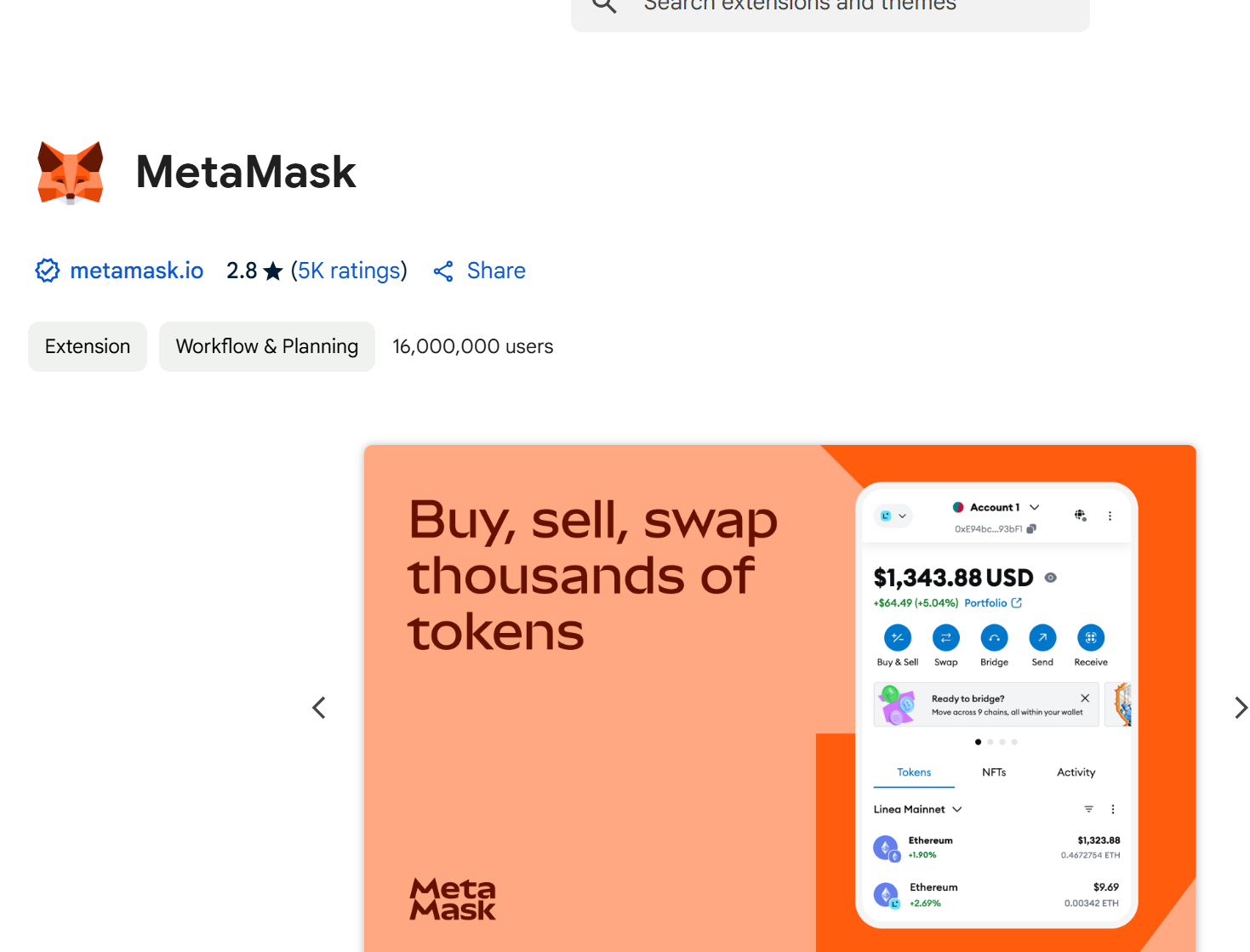
Step 2: Install the MetaMask Extension
1. Click the "Add to Chrome" button on the extension page.
2. Confirm by clicking "Add Extension" in the pop-up window.
 (Actual steps may vary slightly)
3. Once installed, the MetaMask fox icon 🦊 will appear in your browser’s top-right corner.
Step 3: Set Up Your MetaMask Wallet
1. Create a New Wallet
- Click the MetaMask icon and select "Get Started".
- Choose "Create a Wallet", agree to the terms, and click "Create".
2. Set a Password
- Create a strong password (used to unlock the extension) and click "Create".
3. Back Up Your Secret Recovery Phrase
- MetaMask will generate a 12-word recovery phrase.
- Write it down physically—never save it digitally or share it with anyone.
- Confirm the phrase by selecting the words in order, then click "Next".
4. Complete Setup
- Click "All Done" to access your wallet dashboard.
Step 4: Using MetaMask
1. Find Your Wallet Address
- Click the MetaMask icon—your Ethereum address (starting with `0x...`) is displayed at the top.
2. Switch Networks
- Defaults to Ethereum Mainnet. Click the network name to switch to others like BSC, Polygon, etc.
3. Add Custom Tokens
- In your wallet, click **"Add Token"** and enter the token’s contract address.
Critical Security Tips
- Never share your recovery phrase or private keys—they grant full access to your funds.
- Only download MetaMask from official sources to avoid phishing scams.
- Auto-updates are enabled, but you can manually update via `chrome://extensions/` (enable Developer Mode).
FAQs
1. Missing the MetaMask icon?
- Click the puzzle piece 🧩 in Chrome’s toolbar and pin MetaMask for easy access.
2. Restore an existing wallet?
- Choose "Import Wallet" during setup and enter your recovery phrase or private key.
3. Mobile app available?
- Yes! Download MetaMask Mobile on iOS/Android from official app stores.
You’re all set! With MetaMask installed, you can safely manage crypto, trade NFTs, and explore decentralized apps (dApps). For support, visit [MetaMask Help Center](https://support.metamask.io). 🚀