Flap Create Token + Bundled Buy | Streamline Trading Process | Grab Trading Priority | Lowest Fees Network-Wide
Create a token on Binance Flap internal market while simultaneously performing buy operations. This effectively simplifies the trading process, accelerates market participation, gets you ahead of others, and allows you to capture potential profits earlier.
Preparation Checklist
-
A computer or a mobile phone
-
BSC wallet (MetaMask wallet installation tutorial)
-
Prepare at least 0.031 BNB in the wallet
-
Private keys of the addresses you want to buy with, plus some BNB for them
Flap Creation + Bundled Buy Steps
Step 1: Connect WalletGo to the page: https://www.gtokentool.com/flap
Click the top-right corner to connect your MetaMask wallet and switch to the BNB Chain mainnet.After successful connection, you will see the chain name and your wallet address, as shown in the screenshot.
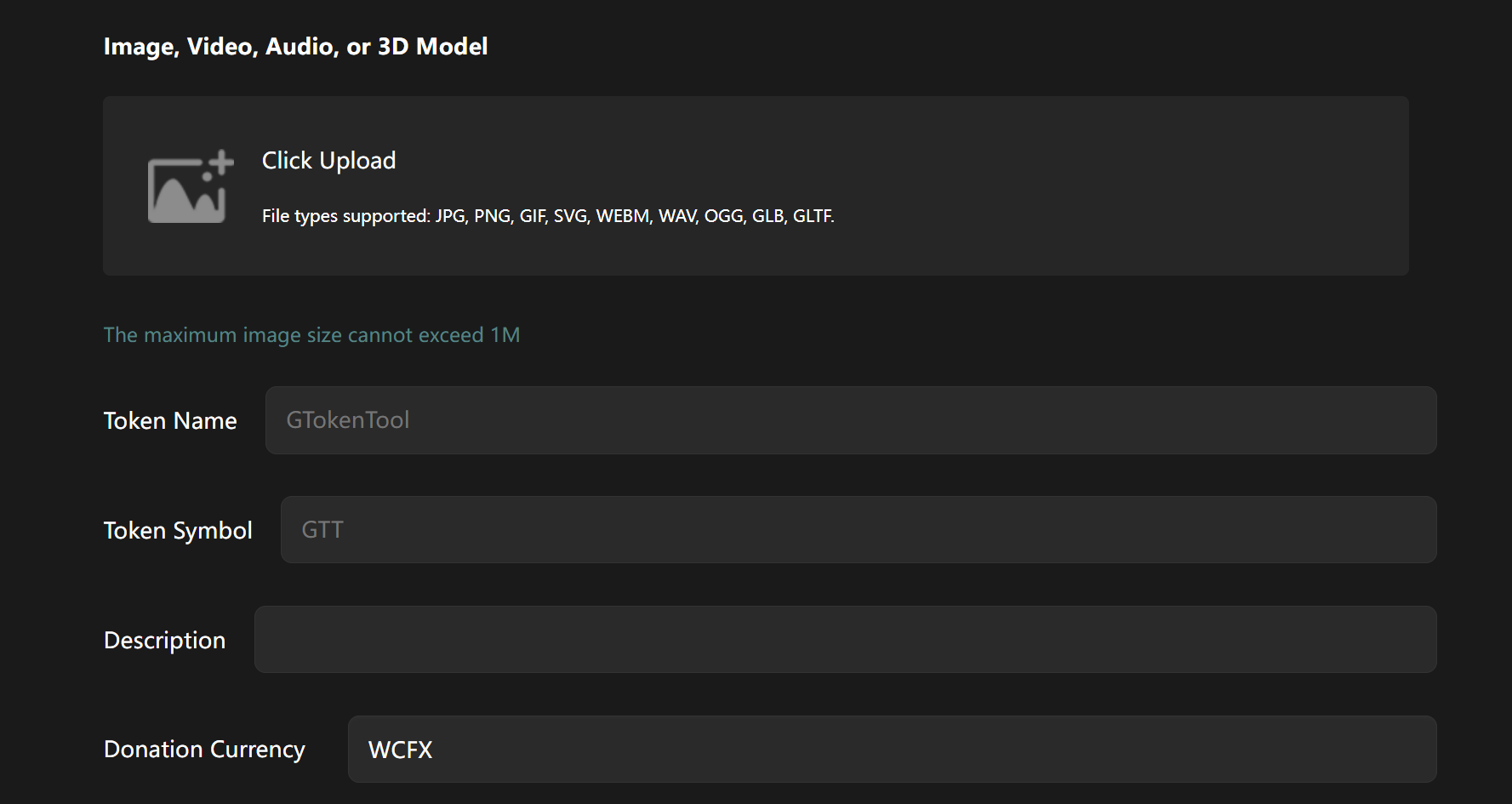
Step 2: Fill in Information and Upload ImageExample:
Create a token named "Butterfly Internal Market Create and Buy" with the following details:
-
Logo: Image must not exceed 1MB
-
Token Name: Butterfly Internal Market Create and Buy
-
Token Symbol: Flap Create and Buy
-
Description: GTokenTool — Butterfly Internal Market Create and Bundled Buy
Step 3: Select Fundraising / Trading
CurrencyHere we select BNB. You can also choose other currencies (USDT, USD1, BUSD, U, DOGE, FIST).
Step 4: Add Contact Information (Optional)
Step 5: Tax Settings (Optional)Tax distribution must total 100%.
You can set the minimum balance for dividends and the receiving wallet address.
Step 6: Import WalletsManually copy and paste, one private key per line.Important Buy Parameter Settings
-
All imported wallets should use fresh/new addresses.
-
All service fees + token creation fees are paid by the first imported wallet — please ensure it has sufficient balance.
-
Reserve 0.001 BNB in each wallet as Gas for the buy transaction.
-
It is strongly recommended to replace the wallet (change private key) immediately after using any feature that involves private keys.
Step 7: Set Buy Amounts
You can set amounts individually or add them in bulk.
Step 8: Click "Create"
Click the "Create" button and wait a moment.
Once successful, a pop-up will display the token address. The token address will also appear below — you can click it to view token details.That's it! The entire Flap creation + bundled buy process is complete.
You can now handle the rest (liquidity, promotion, etc.) yourself!
Common Questions (FAQ)
1. How is this feature charged?Lowest fees network-wide with tiered pricing, as low as 0.005 BNB per address.
-
10 addresses or fewer: 0.03 BNB per address
-
More than 10 addresses: only 0.005 BNB per address