What is Tonkeeper?
Tonkeeper is one of the best cryptocurrency wallets on the TON blockchain. This non-custodial crypto wallet is a great choice for both beginners and advanced users, offering a simple, streamlined user interface with a variety of features, including a built-in exchange, staking, and more.
How to Install the Tonkeeper Wallet
Although my wallet UI is in Chinese, you should be able to understand it
1.Install the Chrome Extension
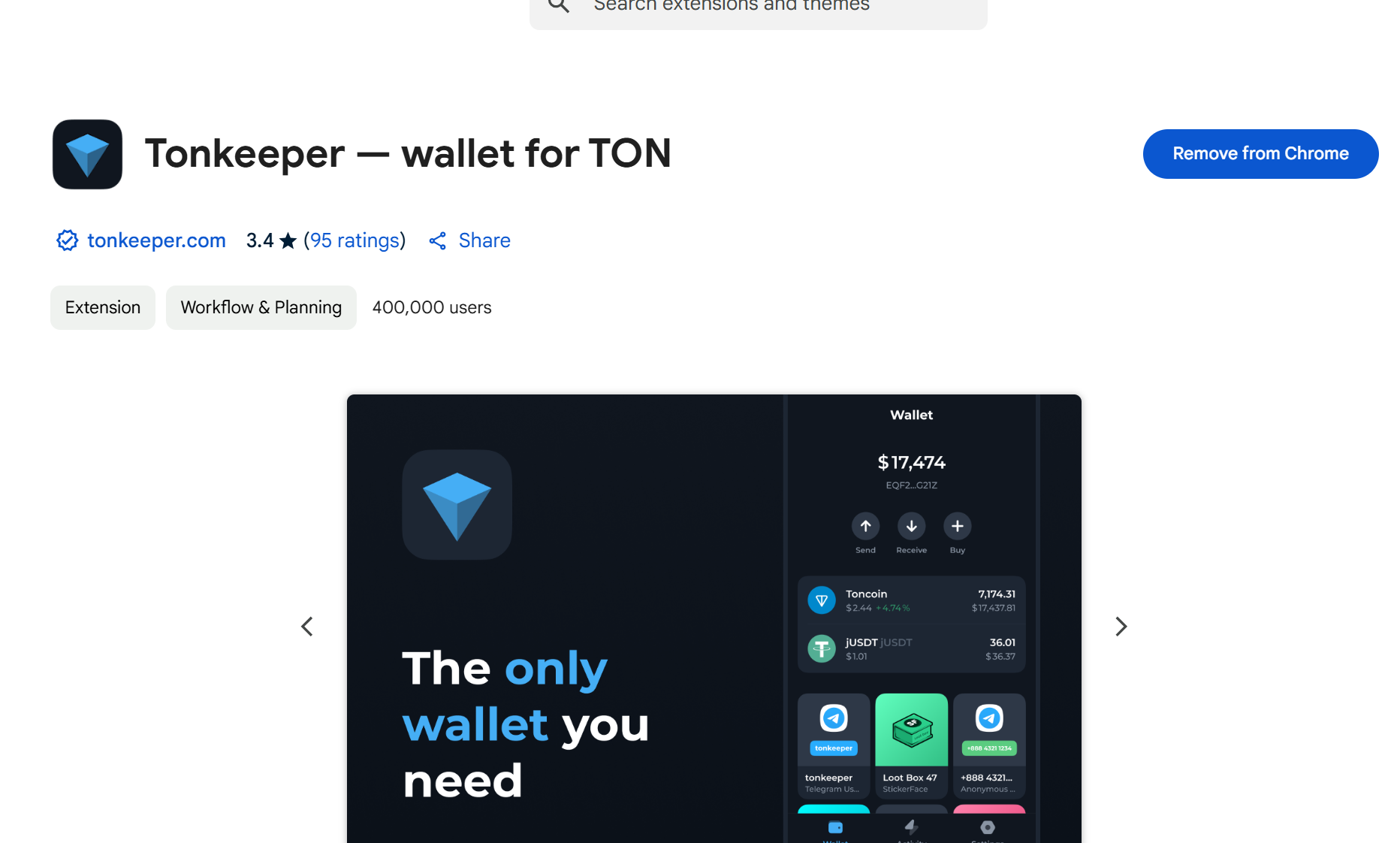
Open Google Chrome and go to the Tonkeeper wallet extension installation page: Tonkeeper Chrome Extension . Click "Add to Chrome."
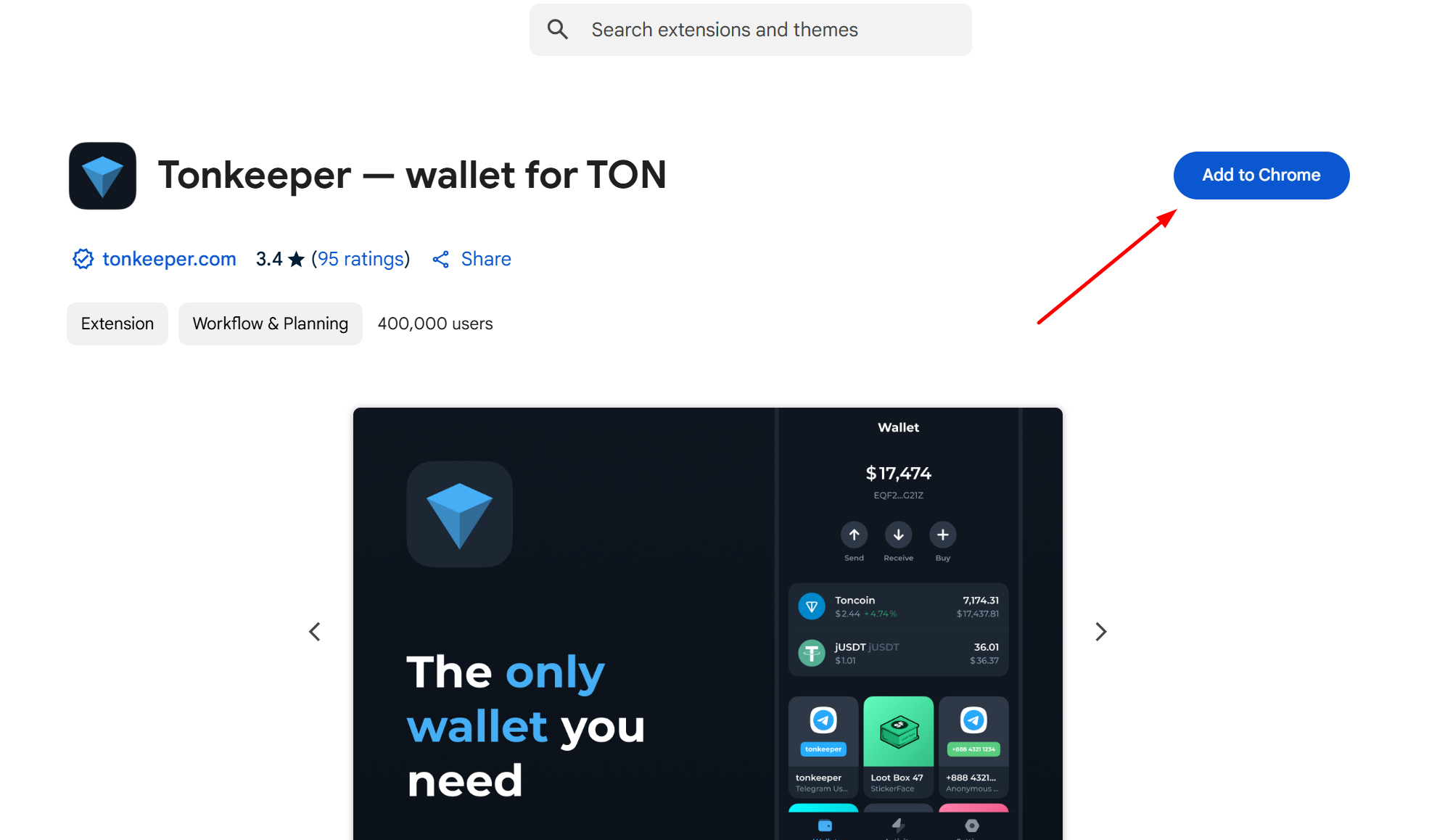
A prompt will appear asking you to add the extension. Click it and wait a few seconds for the installation to complete.
Once this step is done, the wallet extension is installed, and the next step is to configure the wallet.
2. Generate a Wallet Address
In Google Chrome, locate the installed wallet extension at the top. Open it and click "Start."
You will be prompted to choose between creating a new wallet or importing an existing one. If you have a wallet mnemonic phrase, import the wallet. If you don't have a mnemonic phrase, choose to create a new wallet.
Assuming we choose to create a new wallet, you will be taken to a page where you can prepare to write down your mnemonic phrase.
The mnemonic phrase page will appear. Write down your wallet mnemonic phrase. Note: To prevent mnemonic phrase leaks, do not perform this action in the presence of others or near cameras.
Next, you will need to verify the mnemonic phrase. Enter the corresponding mnemonic words according to the given sequence (case-sensitive) to complete the verification.
After verifying the mnemonic phrase, create a wallet password. This password will be required for confirmation each time you make a payment.
Once the password is set, congratulations, your wallet is successfully created.
3. Receive TON
If you don't have any TON tokens yet, you can purchase them on OKEx and then transfer them to your wallet address.
Other Wallets
If you find the Tonkeeper wallet inconvenient, you can choose other wallet extensions:
OpenMask:https://www.openmask.app
MyTonWallet:https://mytonwallet.io
Tonflow:https://tonflow.io/