For images used on Pump.fun (a popular meme coin launch platform on Solana), the recommended specifications are typically:
Pump.fun Image Guidelines
1. Dimensions:
- 512x512 pixels (standard for Solana token metadata).
- Square aspect ratio (1:1).
2. File Format:
- PNG (transparency supported) or JPEG/WebP (for smaller file sizes).
3. File Size:
- Keep under 1 MB to ensure fast loading and compatibility.
4. Design Tips:
- Use bold, simple visuals (meme coins thrive on eye-catching graphics).
- Avoid text-heavy designs (they may not scale well in wallets or explorers).
Why Does Image Size Matter?
- Pump.fun and Solana wallets display token logos in small formats (e.g., 32x32 pixels). A high-resolution image (512x512) ensures clarity when scaled down.
- Oversized files can slow down metadata loading or fail to upload.
How to Optimize Your Image
1. Resize using tools like Canva, Photoshop, or free editors like [Pixlr](https://pixlr.com).
2. Compress the image with [TinyPNG](https://tinypng.com/) or [Squoosh](https://squoosh.app).
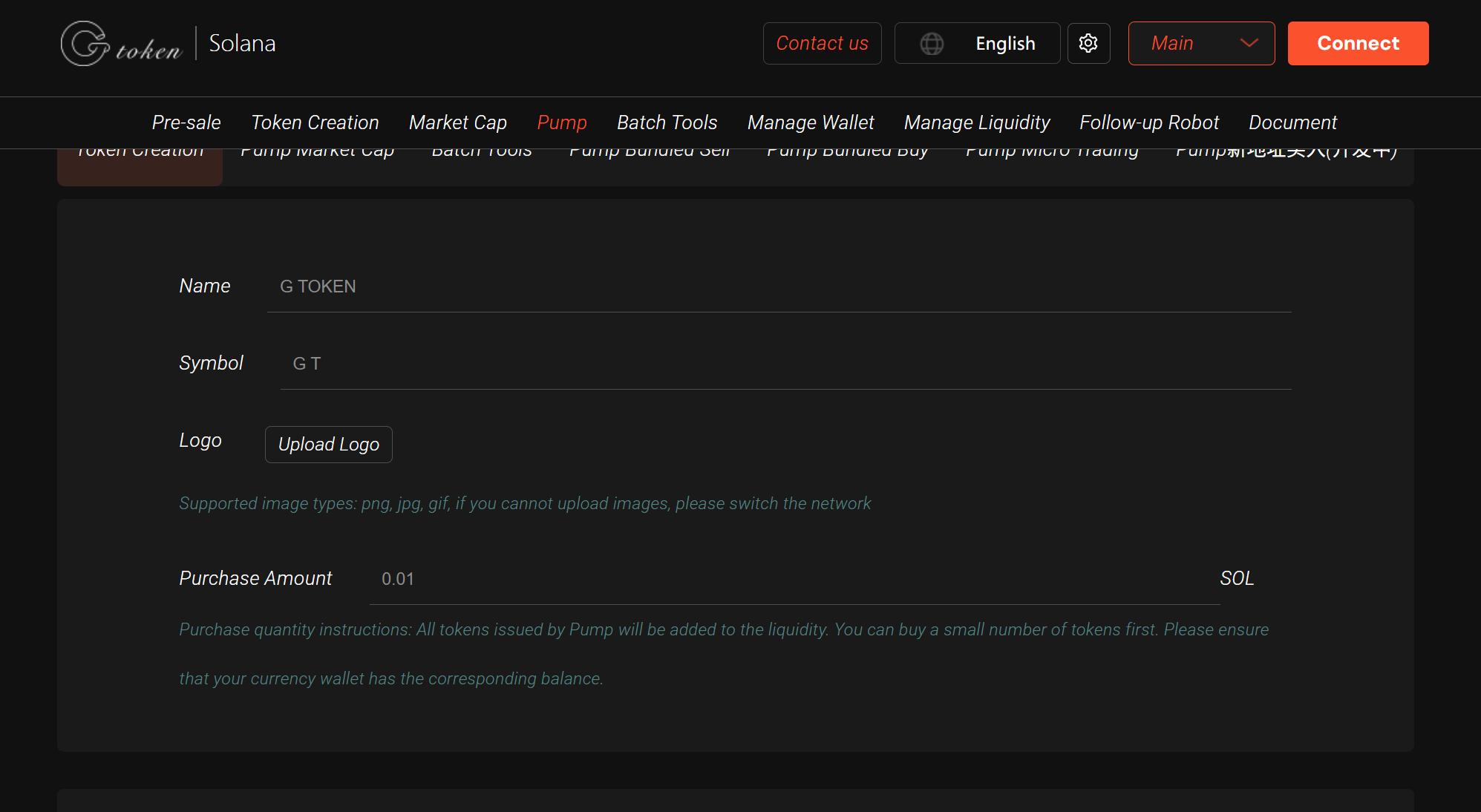
Pump.fun creates tokens and recommends using GTokenTool