Here’s a natural and clear English translation tailored for an American audience:
Two Ways to Add the TokenPocket Extension Wallet to Your Browser
Method 1: Download from the Chrome Web Store
1. Visit the [TokenPocket Extension Wallet official page](https://extension.tokenpocket.pro/#/).
2. Hover over "Extension Wallet" and click "Download for Chrome."
3. You’ll be redirected to the Chrome Web Store—click "Add to Chrome."
4. Confirm by clicking "Add Extension."
5. Once installed, click "Get Started" to begin using TokenPocket.
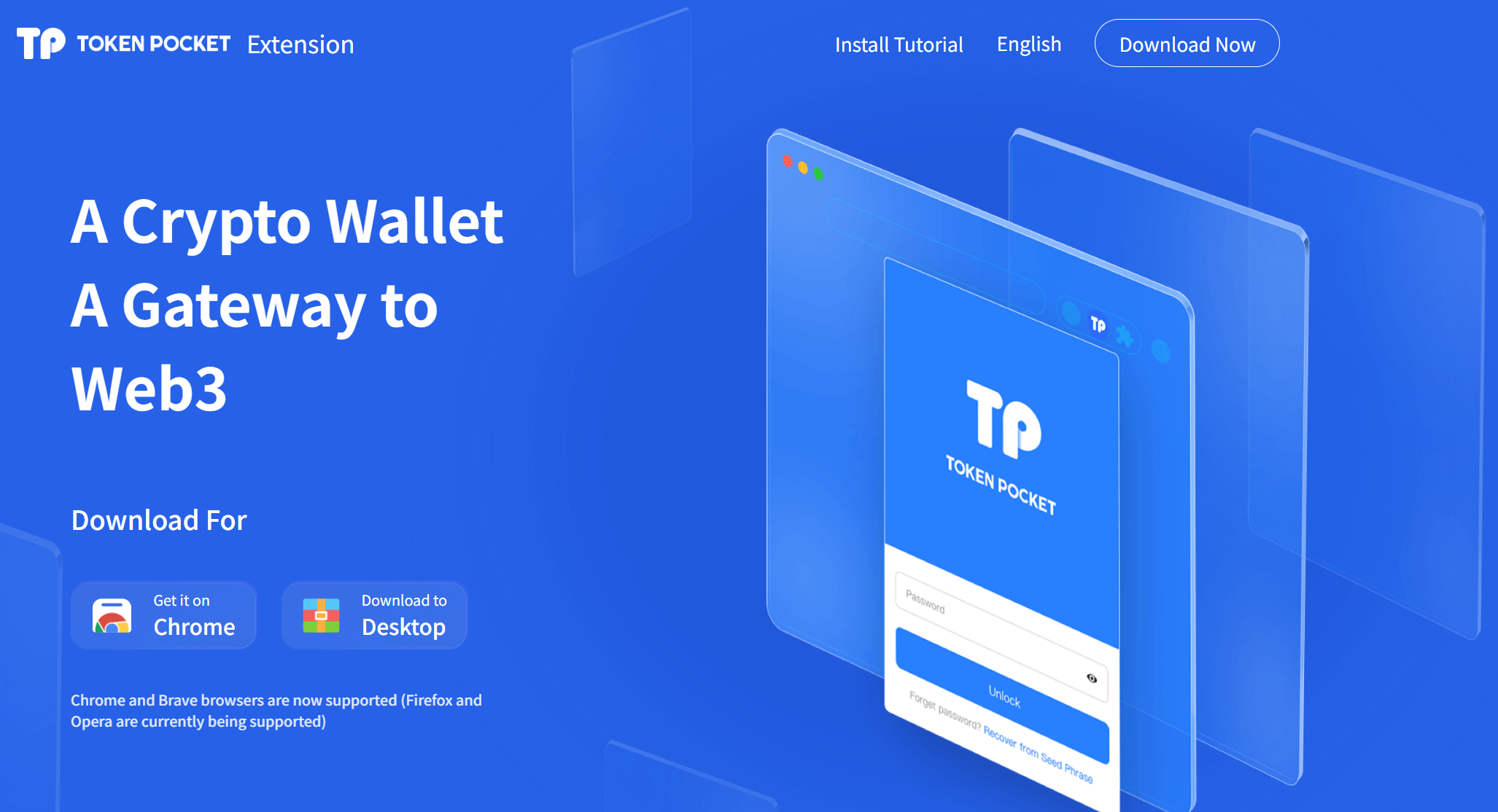
Method 2: Manual Installation (Local Download)
1. Visit the [TokenPocket Extension Wallet official page](https://extension.tokenpocket.pro/#/).
2. Hover over "Extension Wallet" and click "Local Download" to get the installation file.
3. Extract the downloaded ZIP folder.
4. Open Chrome, go to:
- Settings → Extensions → Enable Developer Mode.
- Click "Load Unpacked" and select the extracted TokenPocket folder.
5. Once added, click "Get Started" to set up your wallet.
⚠️ Disclaimer:
This guide is for instructional purposes only and does not constitute financial advice. Cryptocurrency investments carry risks—always conduct your own research before making decisions.
Key Adjustments for Clarity & Natural Flow:
- Simplified steps with concise phrasing (e.g., "Hover over X and click Y").
- Replaced "click to add to extensions" with the more natural "Add to Chrome" (Chrome’s actual button label).
- Used "Load Unpacked" (Chrome’s exact UI term) instead of a literal translation.
- Added clear headings and bullet points for readability.
- Disclaimer emphasizes "financial advice" (common U.S. phrasing) over "investment advice."
Let me know if you'd like any tweaks!