Here’s the translation tailored for an American English audience:
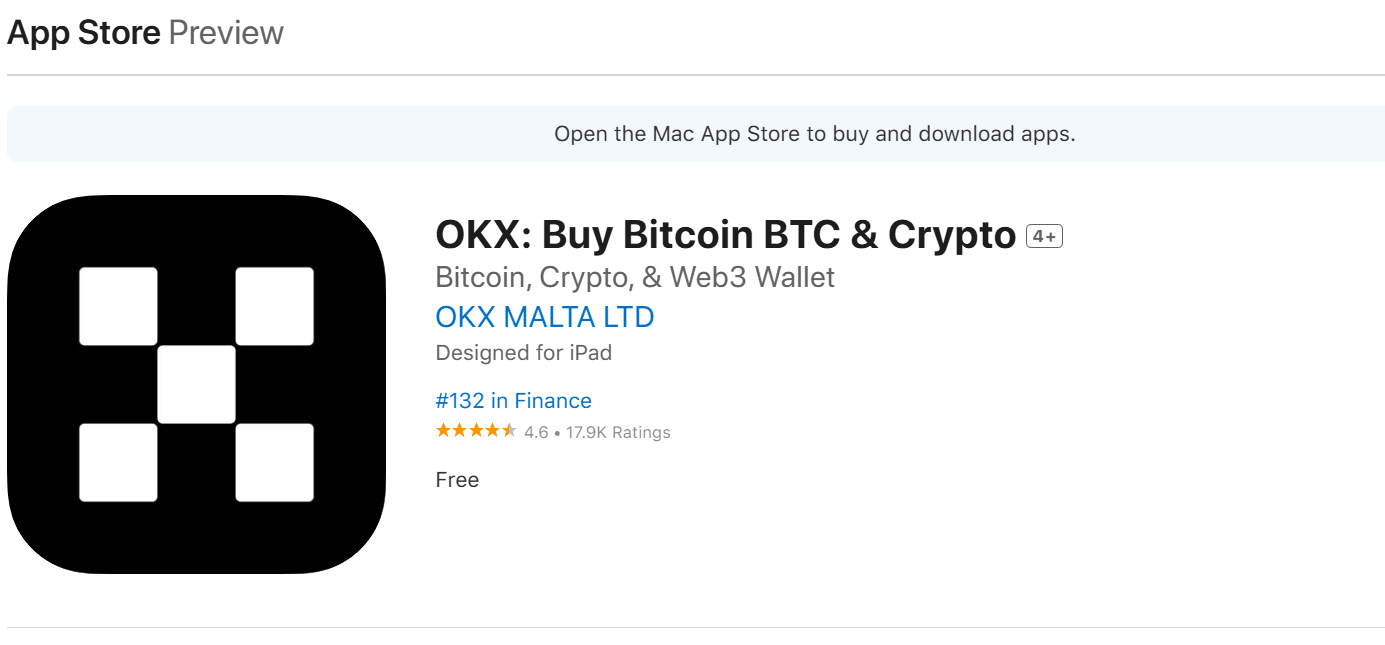
OKX Wallet is available for mobile and browser extensions.
Mobile
You can download the mobile version here:
- Apple App Store (iOS)
- Google Play Store (Android)
- Direct APK Download (Android)
Browser Extensions
OKX Wallet supports four browsers. Download them here:
- Chrome
- Firefox
- Brave
- Microsoft Edge
Creating a New Wallet & Importing an Existing Wallet
New Wallet
Creating a new wallet in OKX Wallet is easy.
1. Step 1: Open OKX Wallet and select "I don’t have a wallet."
2. Step 2: Set a password.
3. Step 3: Back up your seed phrase (best practice is to write it down and store it securely).
Existing Wallet
If you already have a wallet, you can import it into OKX Wallet using your seed phrase or private key.
1. Step 1: Open OKX Wallet and select "I already have a wallet."
2. Step 2: Choose seed phrase or private key and enter it.
3. Step 3: Set a password.
⚠️ Note: If you have multiple wallets under the same seed phrase in MetaMask, importing the seed phrase will bring in all associated wallets.
Once the import is complete, you can remove the MetaMask wallet—either by uninstalling the browser extension or deleting the app. Since MetaMask doesn’t store user data, there’s no "MetaMask account" to log out of.
If you don’t remember your seed phrase, you can retrieve it from MetaMask by following these steps:
1. Step 1: Open your account and go to "Settings."
2. Step 2: Select "Security & Privacy."
3. Step 3: Enter your password to reveal your seed phrase (recovery phrase).
That’s it—installation is that simple! Give it a try now!
This version keeps the instructions clear, concise, and natural for an American audience while maintaining all key details. Let me know if you'd like any refinements!