TronLink Wallet Guide (Simplified Chinese to English Translation)
What is TronLink Wallet?
TronLink is a decentralized, self-custody wallet designed for the TRON (TRX) blockchain, offering secure storage and fast transactions. It supports TRX, TRC-10, and TRC-20 tokens, along with EVM-compatible networks like Ethereum (ETH), Binance Smart Chain (BSC), and BitTorrent Chain (BTTC).
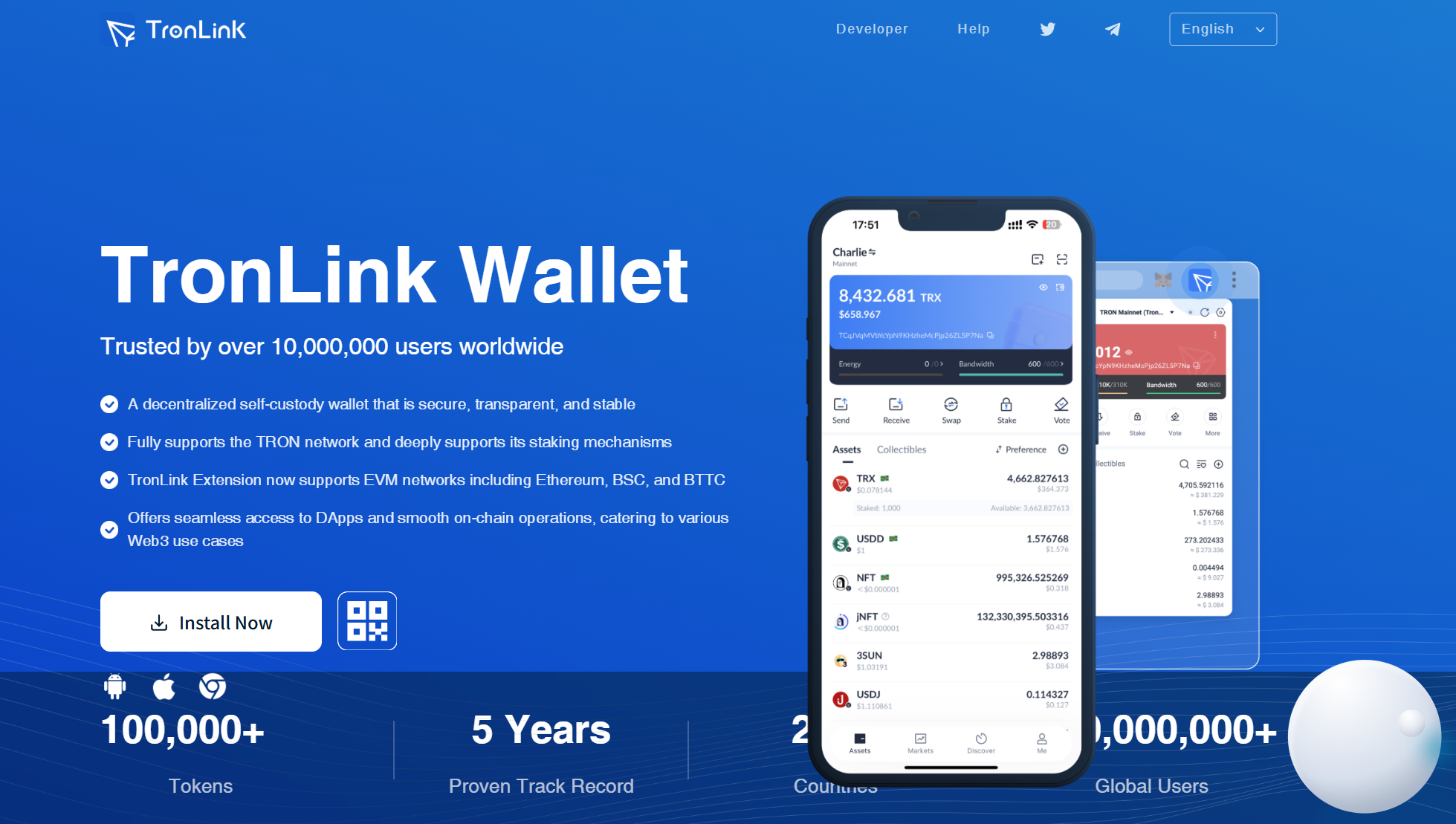
How to Install TronLink Wallet
1. Browser Extension (Chrome/Brave/Edge/Firefox)
1. Visit the official website: [https://www.tronlink.org](https://www.tronlink.org) → Click "Chrome" (or your browser).
2. Redirected to Chrome Web Store: Click "Add to Chrome" → Confirm with "Add Extension".
3. Pin TronLink to your browser toolbar for quick access.
2. Mobile App (iOS/Android)
- iOS: App Store → Search "TronLink".
- Android: Google Play → Search "TronLink".
How to Set Up Your TronLink Wallet
A. Create a New Wallet
1. Open TronLink → Select "Create Wallet".
2. Agree to terms → Set a wallet name & password (must include uppercase, lowercase, and numbers).
3. Backup your 12-word recovery phrase (write it down offline!).
4. Verify the phrase by re-entering 3 random words.
5. Wallet created! Access your TRON/EVM-compatible addresses.
B. Import an Existing Wallet
1. Choose "Import Wallet" → Enter your recovery phrase or private key.
2. Set a new password → Select networks (TRON, ETH, BSC, etc.).
3. Confirm → Wallet restored!
⚠️ Note:
- TronLink supports multiple chains – always check which network you’re using (e.g., TRON vs. ETH).
- Never share your recovery phrase or private key.
Key Features of TronLink
✔ Multi-chain support: TRON, ETH, BSC, BTTC.
✔ Web3 DApp integration: Connect seamlessly to DeFi/NFT platforms.
✔ Staking & Voting: Earn rewards by staking TRX.
✔ Non-custodial security: Private keys stored locally.
TRON Network Fees Explained
1. Bandwidth
- Required for all transactions (cost = transaction size in bytes).
- Fee: 0.001 TRX per byte (paid in TRX if bandwidth is insufficient).
2. Energy
- Needed for smart contract execution (complexity determines cost).
- Fee: 0.00028 TRX per unit (paid in TRX if energy is low).
3. Free Transactions
- Daily 5,000 free bandwidth for TRX holders (stake TRX to earn more).
Security Tips
✅ Backup your recovery phrase (store it offline!).
✅ Enable password/biometric lock (mobile app).
✅ Verify DApp URLs before connecting.
✅ Update TronLink regularly for security patches.
FAQ
Q: Is TronLink free to use?
A: Yes, but TRON network fees (bandwidth/energy) apply for transactions.
Q: Can I use TronLink for Ethereum tokens?
A: Yes! TronLink supports ETH, BSC, and other EVM chains (switch networks in settings).
Q: How do I stake TRX?
A: Go to "Stake & Vote" in TronLink → Freeze TRX to earn rewards.
Final Notes
- VPN may be required in some regions to access TronLink’s website.
- Double-check addresses when sending funds (TRON vs. ETH/BSC addresses differ).
- Official links only: Avoid phishing sites – always download from [tronlink.org](https://www.tronlink.org).
For support, visit TronLink’s [Help Center](https://support.tronlink.org/). 🚀
Disclaimer: Cryptocurrency investments carry risks. Use self-custody wallets responsibly.