Tonkeeper is a popular wallet for The Open Network (TON), allowing users to securely store, send, and receive TON coins (Toncoin) and interact with TON-based decentralized applications (dApps). While Tonkeeper primarily offers a mobile app, you can also access it via browser extensions, including Firefox.
This guide will walk you through installing and using the Tonkeeper extension on Firefox.
Step 1: Check if Tonkeeper Has an Official Firefox Extension
As of now (2025), Tonkeeper does not have an official Firefox extension. However, you can still use Tonkeeper with Firefox in two ways:
1. Using Tonkeeper Web (Wallet.tonkeeper.com) – Access your wallet directly in the browser.
2. Using a TON-Compatible Wallet Extension – Some third-party wallets (like OpenMask) support TON and work as Firefox extensions.
For this guide, we’ll focus on accessing Tonkeeper via its web version since there is no dedicated Firefox extension.
Step 2: Access Tonkeeper Web on Firefox
1. Open Firefox and go to [Tonkeeper Web](https://wallet.tonkeeper.com).
2. Choose how to connect:
- "Tonkeeper" (if you have the mobile app) – Scan the QR code to sync.
- "Tonhub" (if you use another TON wallet).
- "Create New Wallet" if you’re new to TON.
3. Follow the setup process to secure your wallet (write down your recovery phrase!).
Alternative: Use a TON-Compatible Firefox Extension
If you prefer a **browser extension wallet** for TON (similar to MetaMask for Ethereum), consider:
1. OpenMask (TON Wallet for Firefox)
- Download OpenMask from the [Firefox Add-ons Store](https://addons.mozilla.org).
- Set it up and import your TON wallet (if you already have one).
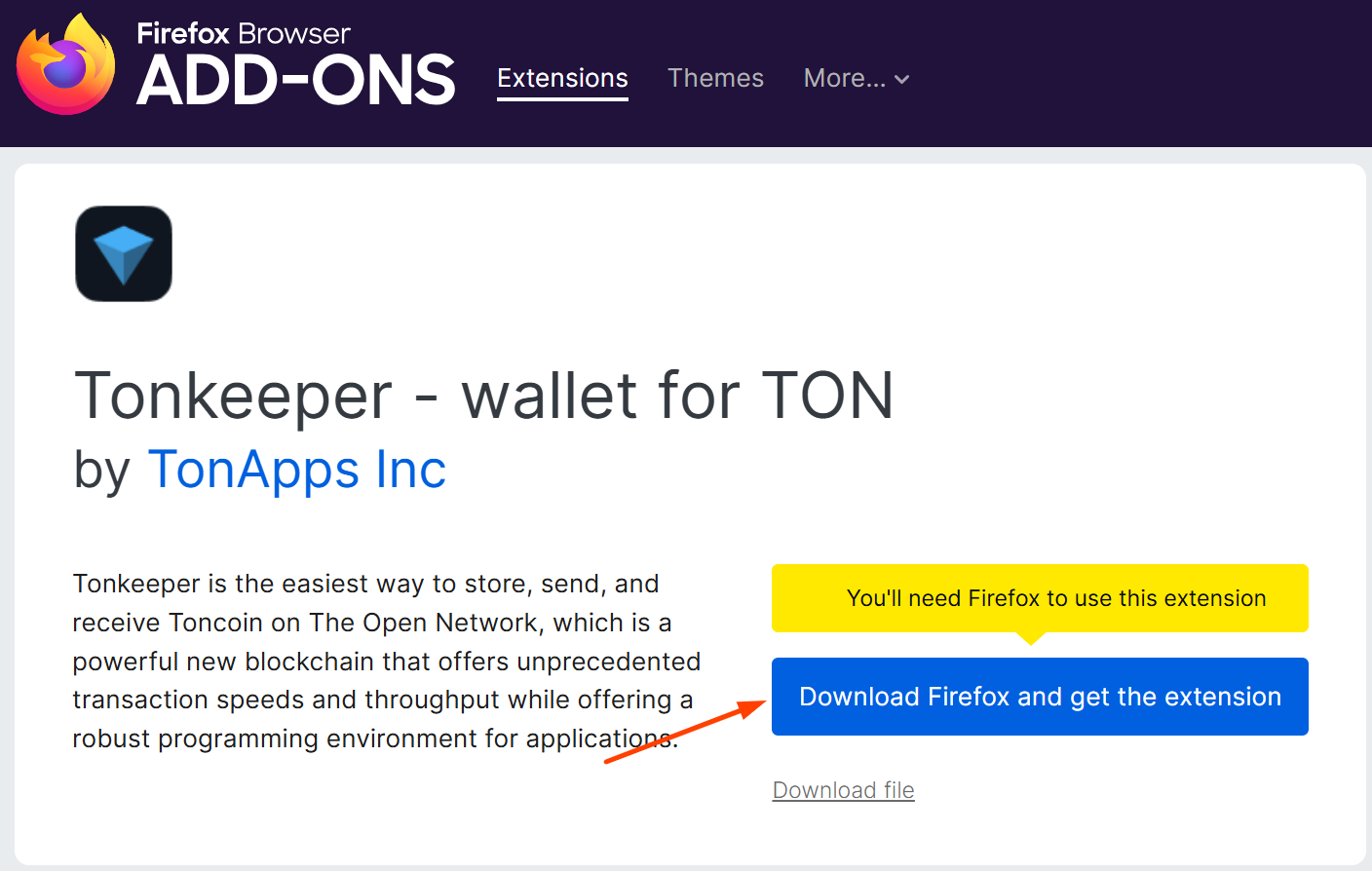
2. TonWallet (if available for Firefox)
- Some TON wallets may offer extensions—check the official TON ecosystem for updates.
Step 3: Using Tonkeeper with Firefox
Once connected (via web or an extension), you can:
✅ Send & Receive TON
✅ Connect to TON dApps (like STON.fi, Tonstakers, etc.)
✅ Stake TON for passive income
✅ Manage NFTs on the TON blockchain
Security Tips
⚠️ Never share your seed phrase with anyone.
⚠️ Only use official links (avoid phishing sites).
⚠️ Bookmark Tonkeeper’s official website for quick access.
Conclusion
While Tonkeeper does not yet have a dedicated Firefox extension, you can still use it via Tonkeeper Web or alternative TON wallet extensions like OpenMask.
For the best experience, consider using the Tonkeeper mobile app (iOS/Android) and connecting it to Firefox via QR code when needed.
Would you like help setting up a different TON wallet on Firefox? Let me know! 🚀