If you want a personalized Solana wallet address (e.g., `YourName...` instead of a random string), you can use the Solana Command-Line Interface (CLI) to generate one securely. This method is offline and safer than online tools.
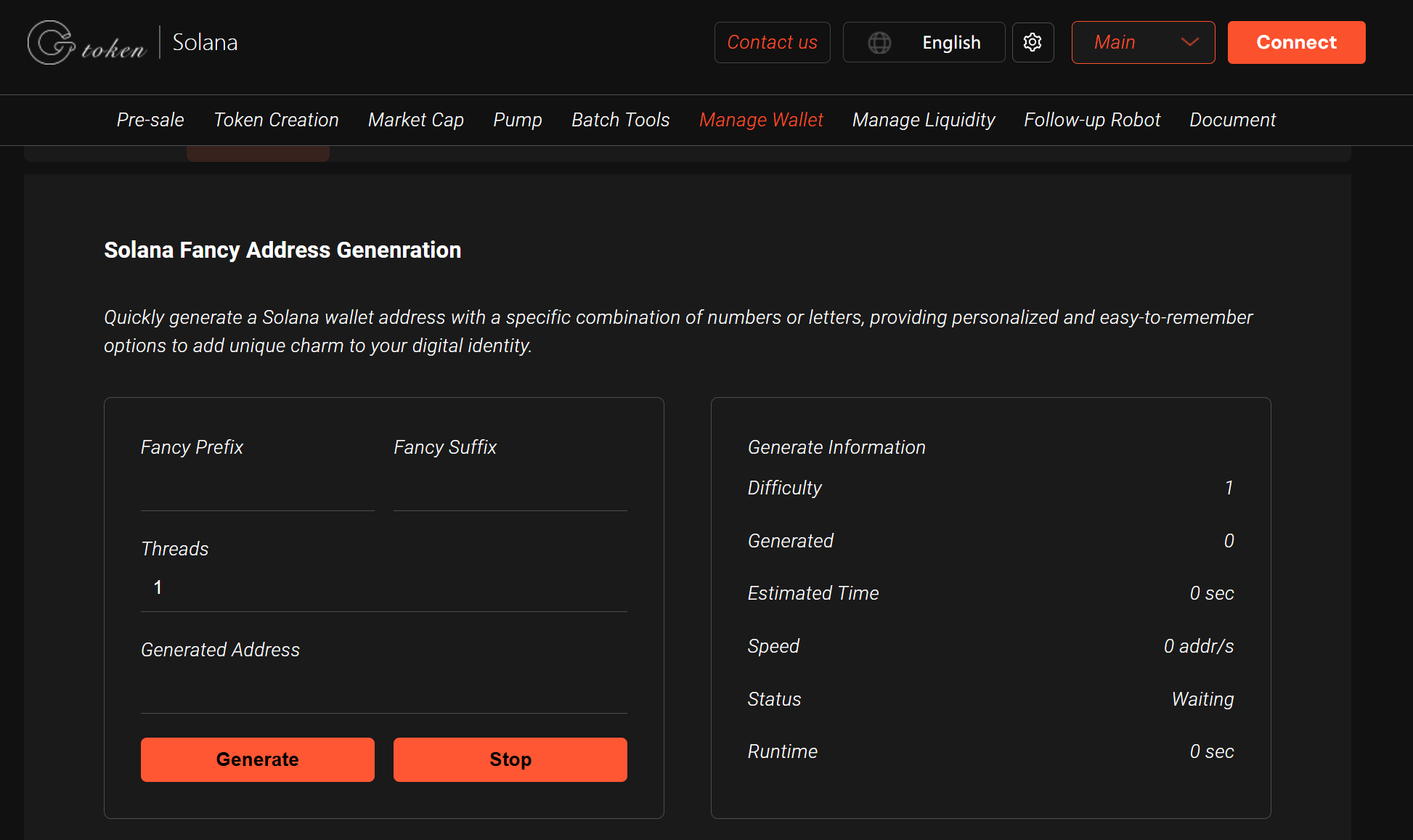
Recommendation: Use GTokenTool Solana Vanity Address Generator to generate Solana Vanity Address Generator by simply filling in the information。
Step 1: Install Solana CLI
First, ensure you have the Solana CLI installed:
On Linux/macOS (Terminal)
```bash
sh -c $(curl -sSfL https://release.solana.com/stable/install)
```
On Windows (PowerShell)
```powershell
curl https://release.solana.com/stable/solana-install-init-x86_64-pc-windows-msvc.exe --output solana-install.exe
./solana-install.exe stable
```
After installation, verify it works:
```bash
solana --version
Step 2: Generate a Vanity Address
Use the `solana-keygen` tool to search for a custom prefix.
Basic Command (CPU-Based Search)
```bash
solana-keygen grind --starts-with YourPrefix:
```
- Replace `YourPrefix` with your desired letters/numbers (e.g., `elon`, `moon`, `sol123`).
- Example:
```bash
solana-keygen grind --starts-with solana:
```
This will generate an address like:
```
solana7FAbC...
```
Advanced Options
- Limit search to uppercase/lowercase:
```bash
solana-keygen grind --starts-with yourprefix: --no-case-sensitive
```
- Use more CPU threads (faster generation):
```bash
solana-keygen grind --starts-with sol: --num-threads 8
```
- Save the keypair to a file directly:
```bash
solana-keygen grind --starts-with sol: --outfile ~/my_vanity_wallet.json
Step 3: Secure & Use Your Vanity Wallet
1. Backup Your Keypair
- The generated file (`my_vanity_wallet.json`) contains your private key.
- Store it securely (e.g., encrypted USB drive, password manager).
2. Import into a Wallet (e.g., Phantom, Solflare)
- Use the private key or JSON file to restore the wallet.
3. Fund Your New Vanity Address
- Send SOL or tokens to your new custom address!
Performance Tips
- Short prefixes (3-5 chars) generate in seconds.
- Longer prefixes (6+ chars) may take hours/days (depends on CPU/GPU).
- For faster generation, use a GPU-accelerated tool like [solvan](https://github.com/igneous-labs/solvan).
Security Warning
⚠️ Never share your private key.
⚠️ Avoid online vanity generators (they may steal keys).
✅ Offline generation (CLI) is the safest method.
Final Thoughts
Now you have a custom Solana wallet address (e.g., `solanaFan...`) for branding or personal use! 🚀