Creating a coin on Pump.fun is a simple process, but it requires some preparation, such as having a Solana-compatible wallet (like Phantom) and SOL tokens to pay for gas and minting costs. Here’s a step-by-step guide:
Steps to Make a Coin on Pump.fun
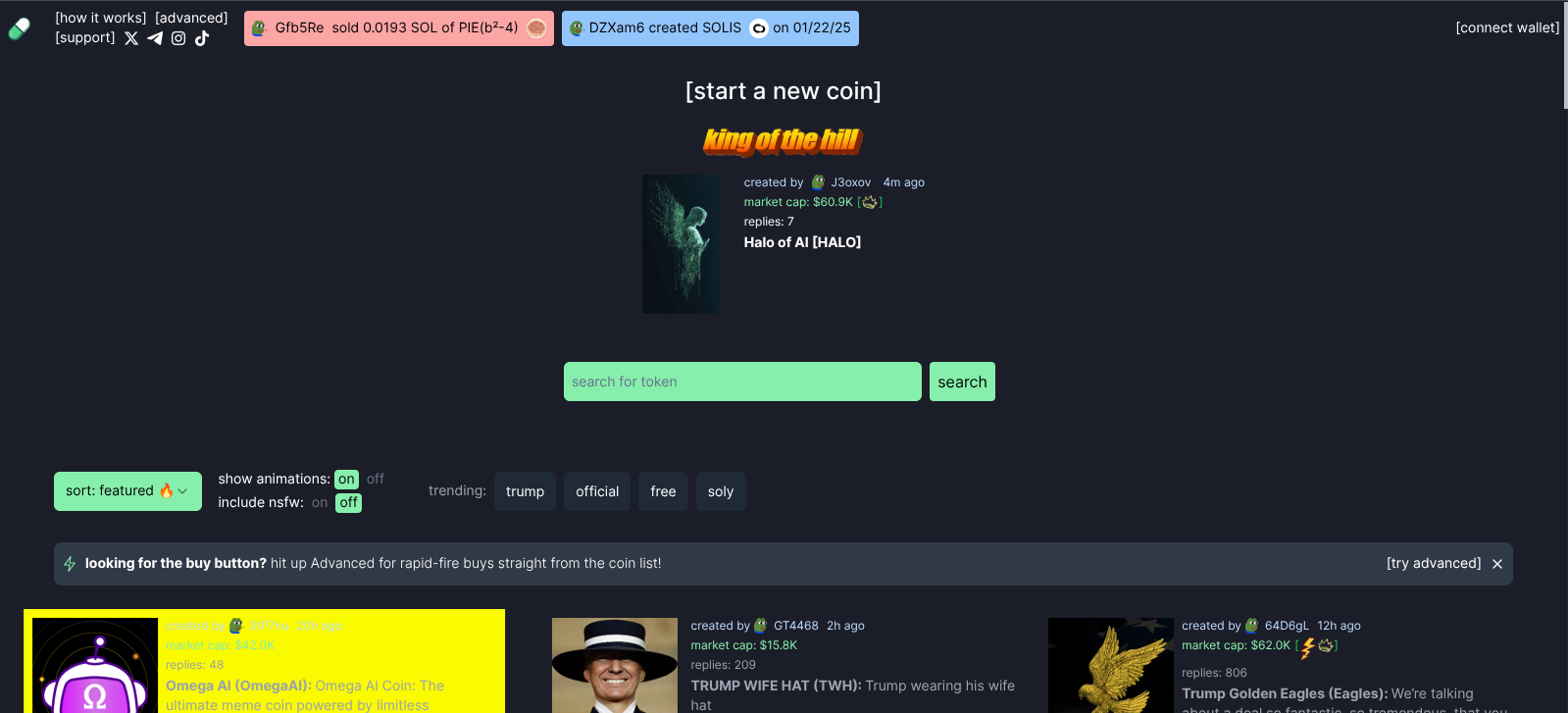
1. Connect Your Wallet
- Go to [Pump.fun](https://pump.fun).
- Click Connect Wallet and choose a Solana wallet (e.g., Phantom, Backpack, or Solflare).
2. Prepare SOL for Fees
- You’ll need SOL to pay for gas and minting. The cost depends on the coin’s supply and blockchain congestion (usually a few dollars).
3. Create Your Coin
- Click Create a Coin.
- Enter details:
- Token Name (e.g., DogeRocket)
- Symbol (e.g., DRKT)
- Description (optional, but helps attract buyers).
- Set initial parameters:
- Supply: Choose how many tokens to mint (Pump.fun uses a bonding curve model, meaning price increases as supply grows).
- Tax (Optional): Some creators add a small fee (e.g., 1-5%) for royalties.
4. Deploy the Coin
- Confirm the transaction in your wallet.
- Wait for the token to be deployed on Solana (usually takes seconds).
5. Promote Your Coin
- Share your coin’s link on Twitter, Telegram, or Discord.
- Encourage early buyers to boost liquidity.
6. Rug or Scale?
- If the coin gains traction, you can either:
- Rug Pull (Not Recommended): Withdraw liquidity unethically (risks reputation and legal issues).
- Scale Legitimately: Let the bonding curve grow organically or list on Raydium for long-term trading.
Important Notes
- No Presale Needed: Pump.fun uses an automated bonding curve, so no need for manual LP provision.
- Fair Launch: Everyone buys at the same price initially, then the price increases as supply grows.
- Taxes: Some coins have a small fee (e.g., 1-5%) that goes to the creator.
Estimated Costs
- Deployment: ~0.01–0.1 SOL (depends on network fees).
- Minting: Varies based on supply.
Would you like help with marketing strategies after launch? 🚀